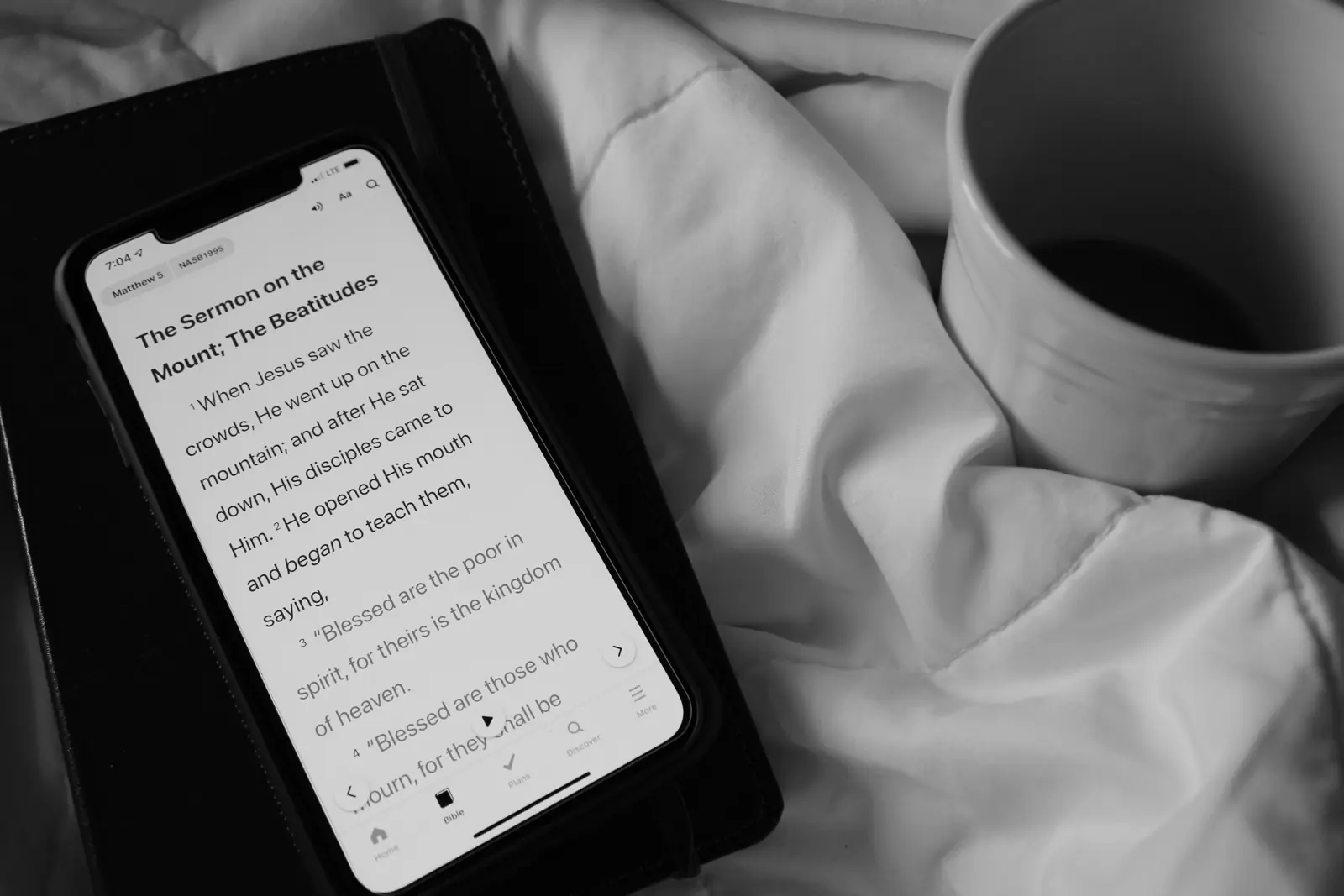
If you want Scripture to come before the feed, there is more than one way to set that up on an iPhone. Some tools are built in, some are general focus apps, some live inside your Bible app, and a few are made for exactly this purpose. Here is an honest look at each approach, what it does well and where it falls short. We make PageFirst, so we have tried to be especially fair to the others.
The four approaches at a glance
| Approach | How it works | Unlocking depends on reading? | Good fit if |
|---|---|---|---|
| Apple Screen Time | Built into iPhone. Downtime schedules and App Limits. | No | You want a free, built-in tool and can respect your own limits. |
| General app blockers | Apps such as Opal, one sec, ScreenZen or Brick add a pause, a schedule, a limit or a physical step. | No | Your main goal is less scrolling overall, at any time of day. |
| Bible app reminders and streaks | Your Bible app reminds you and counts days in a row. | No, nothing is locked | A nudge is enough and you rarely get pulled into the feed first. |
| PageFirst | Chosen apps stay locked until you read for your daily goal in your own Bible app. | Yes | You want reading to be the step that opens the rest of the phone. |
Apple Screen Time
Every iPhone includes Screen Time in Settings. Downtime blocks apps during a schedule, App Limits set a daily budget for an app or a category such as Social, and Always Allowed keeps chosen apps available. You could, for example, block everything except your Bible app until 8 am.
Strengths: free, already on your phone, reliable, and good for families through Family Sharing.
Limits: when you set limits for yourself, you can extend them with a tap. And Screen Time works by the clock, not by what you do: the apps unlock at 8 am whether you read or not.
General app blockers
A whole category of apps helps people use their phones with more intention. They differ in how they add friction:
- Opal blocks chosen apps and websites on schedules and with usage limits, and offers focus sessions and reports.
- one sec shows a short intervention, such as a breathing exercise, before a distracting app opens. It also works on Android and in desktop browsers.
- ScreenZen adds a wait before an app opens, which can grow with each open, along with limits and schedules.
- Brick pairs an app with a small physical device. You tap your phone on it to start blocking chosen apps, and need it again to end the block.
Strengths: well made, flexible, and effective at cutting mindless opens all day long.
Limits: they are not built around Scripture, so reading is something you add on your own. Pricing models differ, so check each app's current App Store listing.
Bible app reminders and streaks
Many Bible apps can send a daily reminder, and some show a streak of days in a row. YouVersion, for example, offers reading plans and a Streaks feature that counts consecutive days. These are excellent for structure and encouragement, and they cost nothing extra.
Limits: a reminder is easy to swipe away, and nothing stops you from opening a social app first. If the feed usually wins in the morning, a reminder alone may not change the order.
PageFirst
PageFirst is our app, made for one job: making Bible reading the first step before social media. You choose your Bible app, choose the apps that should wait (for example the whole Social category) and set a daily goal, starting at 5 minutes. The chosen apps stay locked until you have read for that long in your Bible app. Then they open until tomorrow, and a streak grows by one.
Strengths: unlocking depends on reading, not on the clock. It works with the Bible app you already use, in any translation and for any tradition. It is free to use, Premium is a one-time $9.99 in the US with no subscription, and there is no account, no ads and no tracking.
Limits: it is iPhone only (iOS 27 or later), it measures time in your chosen app rather than what you read, and printed Bible reading does not count. It is also new, so it has less history than the apps above.
How to choose
- If a nudge is enough, start with your Bible app's reminder and streak. It is free and you may need nothing more.
- If you want less scrolling all day, a general app blocker is built for that.
- If you want a free hard stop at certain hours, try Screen Time Downtime, ideally with a passcode someone else holds.
- If you want reading itself to unlock the phone, that is what PageFirst does.
The approaches also combine well. Some people use Screen Time for bedtime, a blocker during work hours and PageFirst for the morning. For setup ideas, see how to stop scrolling in the morning.
Checked October 2026. Descriptions of other apps are based on their own App Store listings and websites, checked in October 2026. Apps change often, so please confirm details on each current listing. All names are trademarks of their respective owners, and PageFirst is not affiliated with any of them.
Try the reading-first approach
PageFirst is free to download for iPhone. Pick your Bible app, set a 5 minute goal, and your social apps open once you have read.
Questions and answers
What is the best way to read the Bible before social media?
The best way is the one you will keep. If you need a gentle nudge, a Bible app reminder and streak may be enough. If you need a firm rule, use Screen Time limits, an app blocker, or an app such as PageFirst that keeps social apps locked until you have read.
Can Apple Screen Time make me read the Bible first?
Not directly. Screen Time can block or limit apps on a schedule, but it does not know whether you have read. You can keep your Bible app allowed during Downtime, but unlocking does not depend on reading.
How is PageFirst different from a general app blocker?
General app blockers add a pause, a schedule or a time limit. PageFirst ties unlocking to reading: your chosen apps stay locked until you have spent your daily goal in your own Bible app, then they open until tomorrow.
Does PageFirst replace my Bible app?
No. PageFirst does not include a Bible. You keep reading in the Bible app you already use, such as YouVersion, JW Library, Blue Letter Bible, Logos or Apple Books, and PageFirst counts the time.